Type from home, like you used to
Letters on the home screen search apps and people at once. Symbols do the rest: # to call, * for an event.
The Q25 brings back a keyboard many of us never wanted to give up. Keyboard Launcher Pro gives it a home screen that puts that keyboard first again.

The Q25 has a small square screen, so a minimal launcher is not a style choice on it, it is the only layout that fits. Text rows and a few tiles use the space far better than a grid of tiny icons.
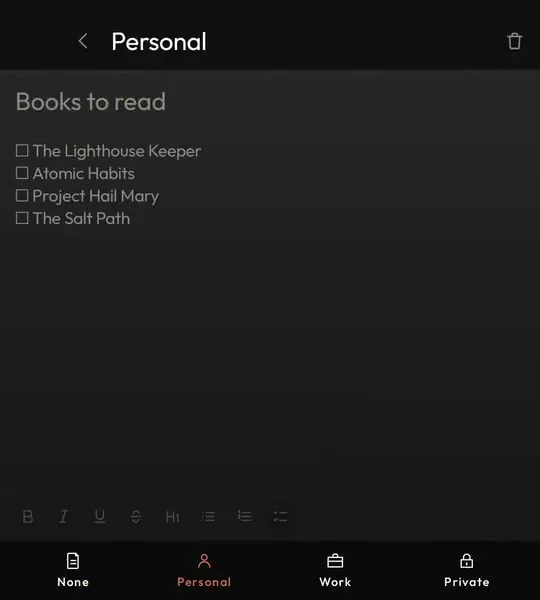
On the old keyboard phones you could start typing on the home screen and the phone found what you meant. Android lost that. Keyboard Launcher Pro brings it back, with symbols that send a line straight to a message, a call, your calendar or a note.
It is drawn for a square screen like the Q25's and everything works from the keys, including a cursor that walks the launcher with the arrow keys.
It is built and tested on the Unihertz Titan 2 Elite, not on a Q25, so treat the fit as likely rather than promised. Q25 owners are very welcome on the Discord.
Letters on the home screen search apps and people at once. Symbols do the rest: # to call, * for an event.
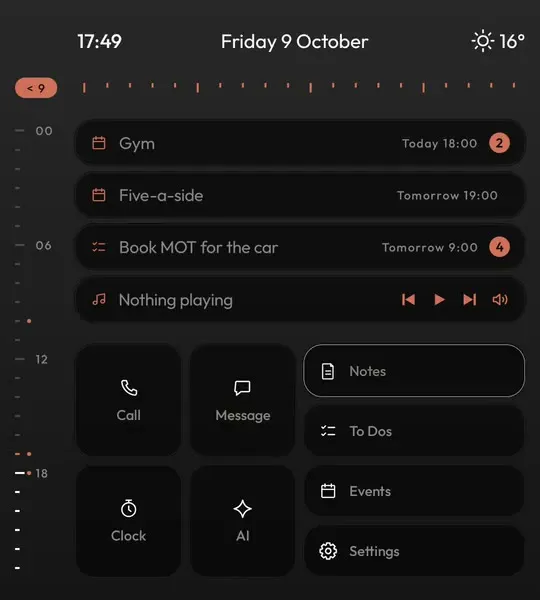
Turn on the cursor and every screen can be driven from the keys. Enter opens whatever it is on.
Notifications from every app in one Hub, with tabs, search and replies, one swipe from home.
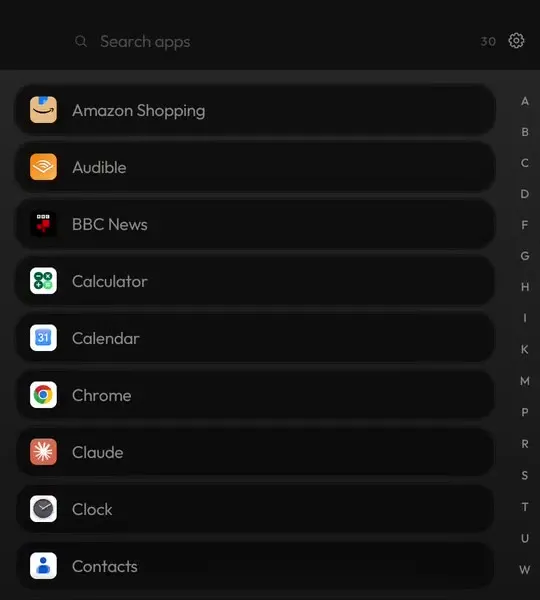
Swipe up for every app in order, with a rail to jump to a letter and search as you type.
Each one sends a typed line somewhere different. The full list, with examples.
@sarah running ten late#mum*dentist fri 9am-buy milk tomorrow!ring the vet on tuesday:7am+45m?why is the sky blue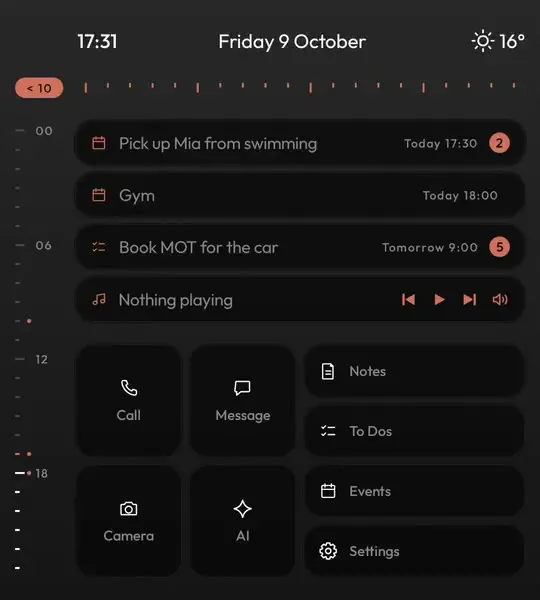

On Google Play for your Q25. One payment, updates included, nothing uploaded.
No, it is built and tested on the Unihertz Titan 2 Elite. It is made for square screens and hardware keyboards like the Q25's, and works on ordinary Android phones too.
Install it from Google Play and Play will tell you if your phone is supported.
No. It never asks for your texts or call log. Messages reach the Hub through notifications.
Yes. Press home and pick any other launcher whenever you like.