Notifications on your terms
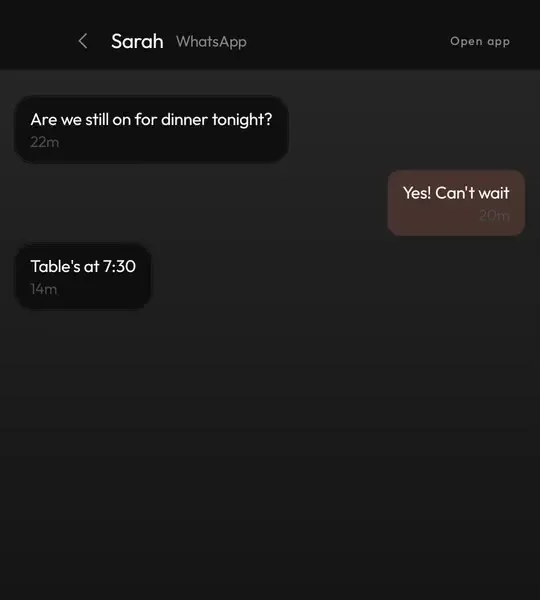
Instead of a shade full of pings, everything collects in the Hub, sorted by type. Open it when you are ready, not every time something buzzes.
Plenty of people want the calm of a dumbphone without giving up maps, banking and WhatsApp. Keyboard Launcher Pro turns your Android phone into something closer to that: calls, messages and your diary up front, and everything else out of sight.
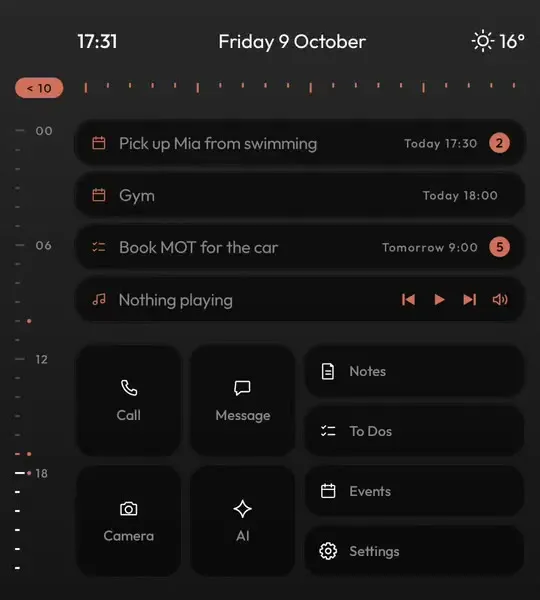
A dumbphone works because there is nothing to scroll. Keyboard Launcher Pro copies that part: home is a short list in plain text with no icons glowing at you, so picking up the phone to check the time does not turn into twenty minutes.
The things a dumbphone is good at are the things it puts first. Call and Message tiles, # to ring someone and @ to message them, and every notification gathered in one Hub you look at when you choose to.
To be clear about what it is not: it does not lock or time your apps. If you want limits as well, Android's own Digital Wellbeing works alongside it. What it changes is the screen you see a hundred times a day. For a quieter look without the dumbphone angle, see the minimal launcher page.
Google explains its own limits and focus tools on the Digital Wellbeing site.
| What you get | In Keyboard Launcher Pro | How |
|---|---|---|
| Distracting icons on home | No | Plain text rows and a few tiles |
| Calls and messages up front | Yes | Tiles, plus # to call and @ to message |
| Every notification in one place | Yes | The Hub, one swipe away, read when you want |
| Your smartphone apps | Yes | All still there, by name or from the drawer |
| App blocking or timers | No | Use Digital Wellbeing alongside it if you want limits |
| Account or tracking | No | Nothing uploaded, no ads |
Instead of a shade full of pings, everything collects in the Hub, sorted by type. Open it when you are ready, not every time something buzzes.
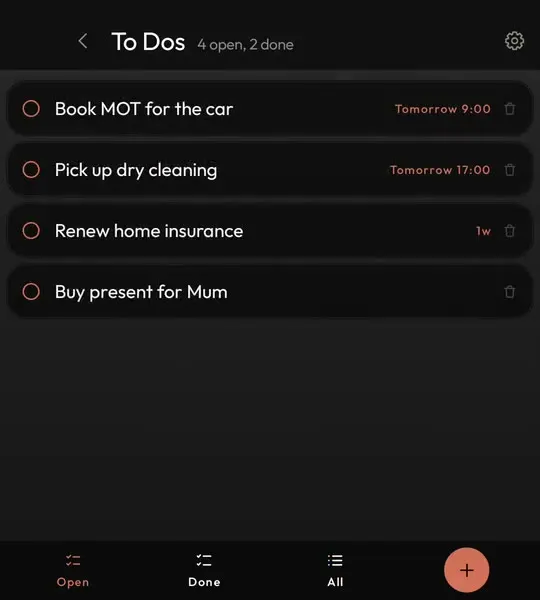
Type - and a task and it is saved, so the thought is out of your head and the phone goes back in your pocket.
On a keyboard phone the arrow keys move a cursor through everything, like the phones we used before touchscreens.

Make your smartphone quieter for one payment on Google Play. Free updates, no account.
Not completely, and that is the point. Home looks and feels as simple as a dumbphone, but your smartphone apps are still there when you need them.
No. It removes the temptation from your home screen. For hard limits, use Android's Digital Wellbeing alongside it.
A keyboard phone like the Unihertz Titan 2 Elite, where typing is quicker than tapping. It also works on ordinary touchscreen phones.