The minimal Android launcher that still does everything.
Keyboard Launcher Pro is a minimal launcher for Android with no app grid, no badges and no feed. Home is a
calm screen of grey text with one accent colour, and every app is still two letters away. Made for keyboard phones, and it
works on any Android phone.
A minimal launcher should make your phone quieter without making it slower. This one takes the
icons away and gives you a keyboard to reach everything instead.
>_ Any Android phone
Keyboard phones and touchscreens
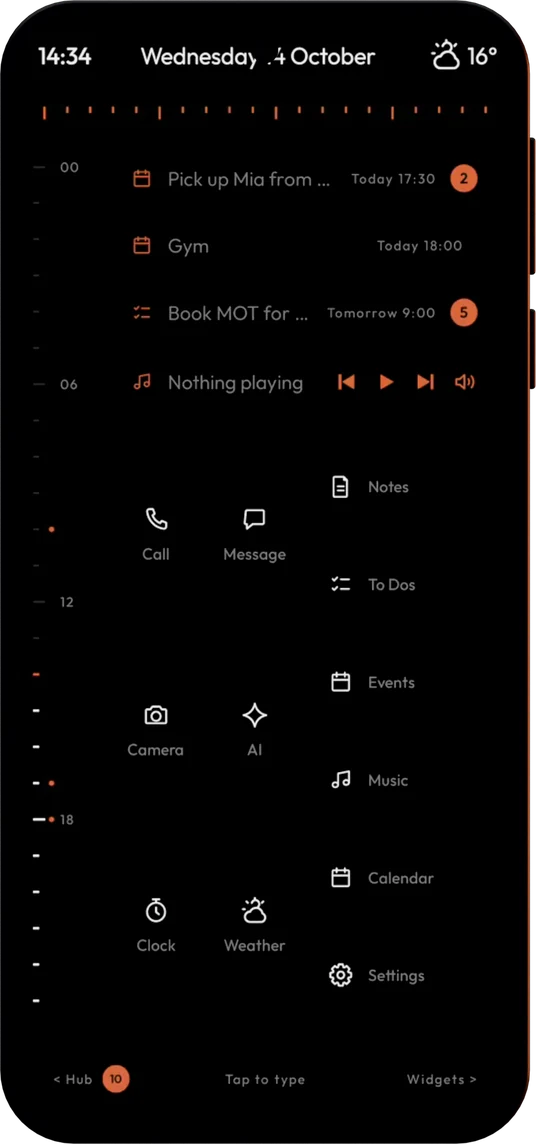
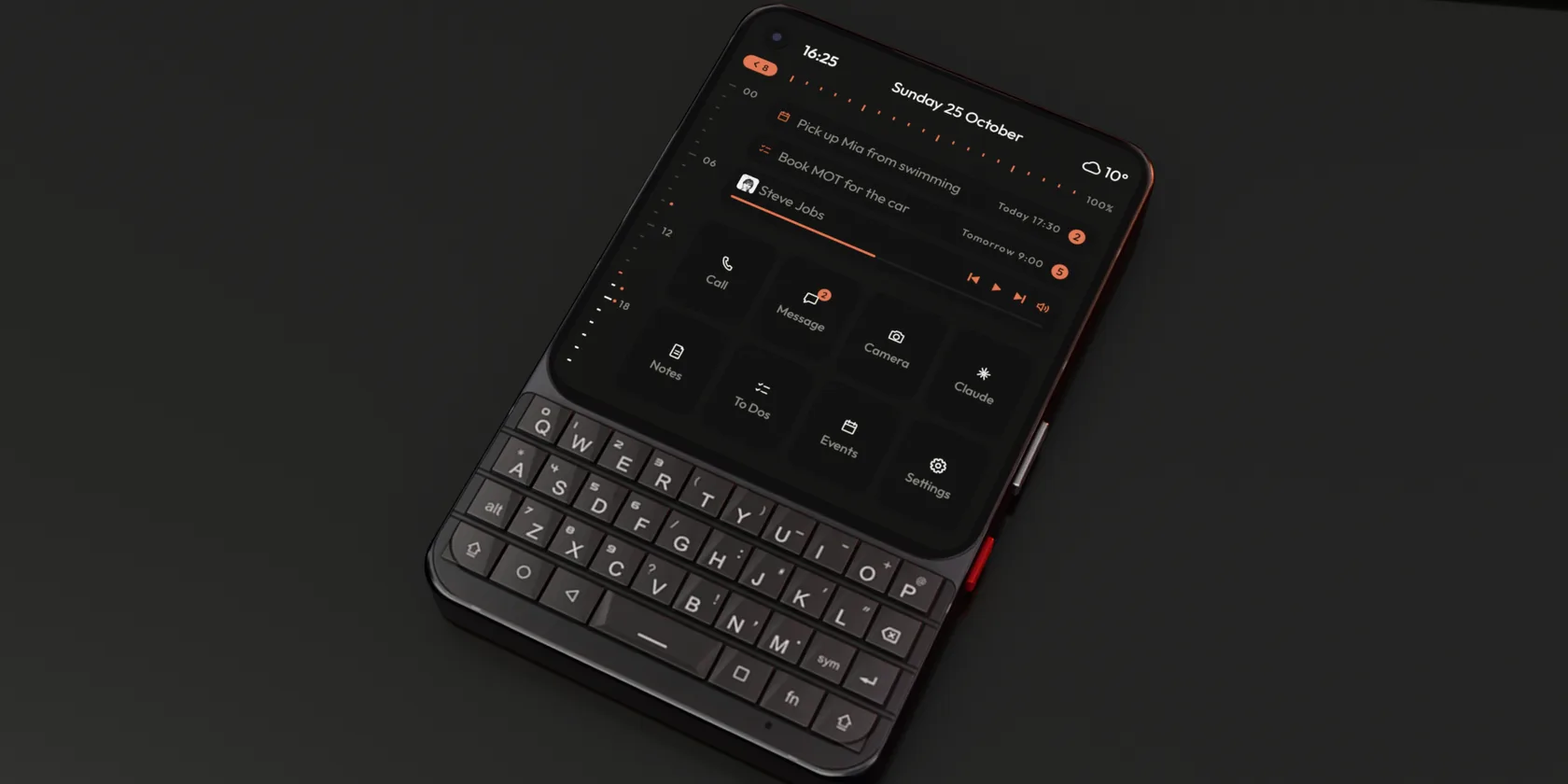
It was drawn first for square screens and real keys, and it fits a tall touchscreen just as well, with twelve tiles and a Tap to type bar.
No icons, no feed, no badges. Just your day in plain text, the way a minimal Android launcher should look.
A minimal home screen that still tells you things
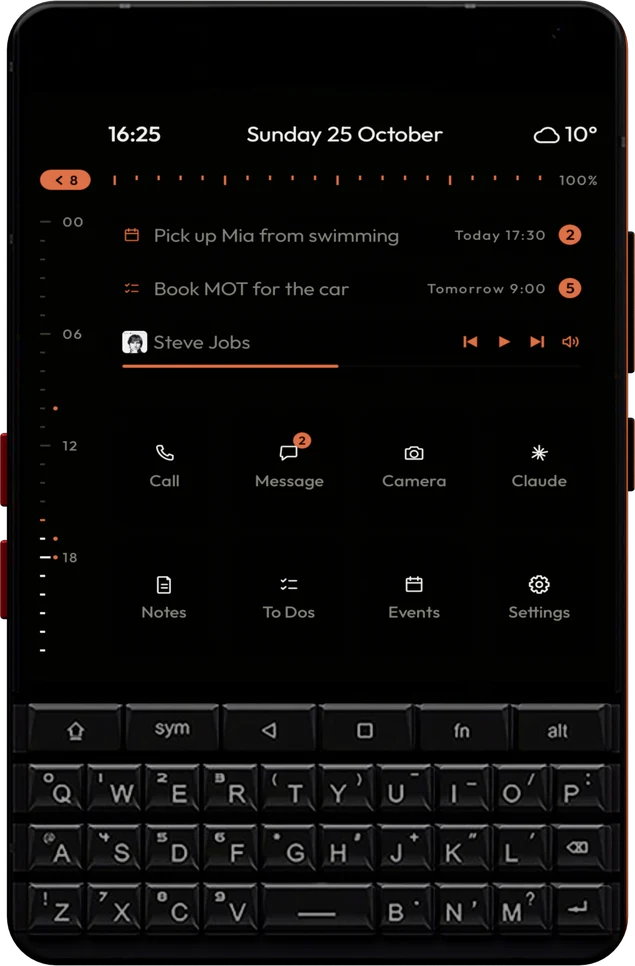
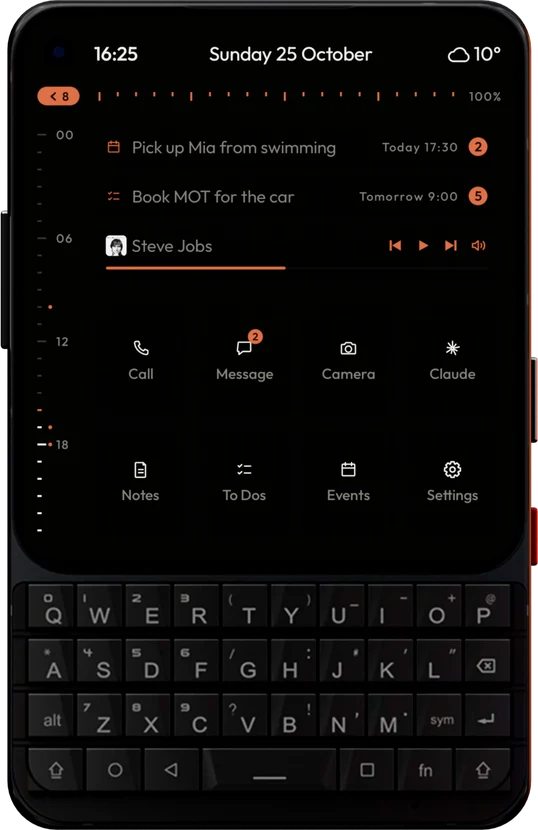
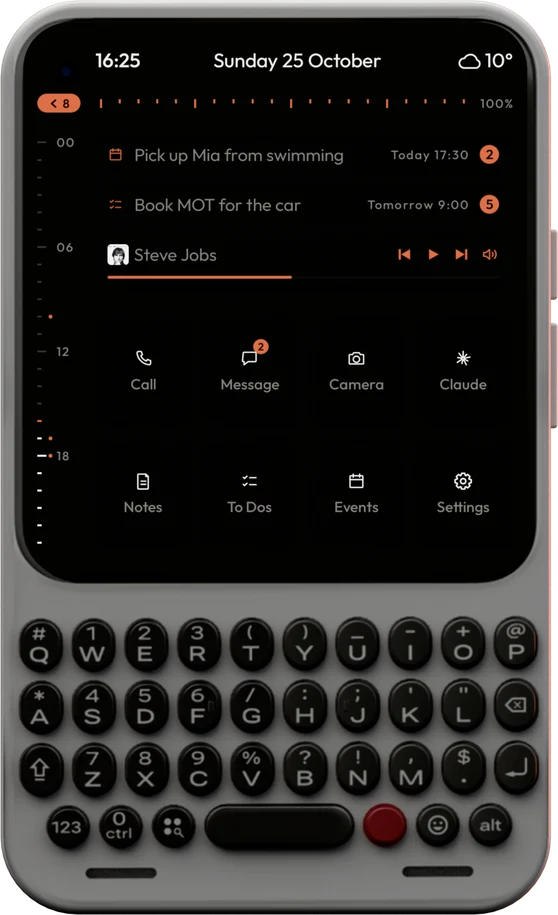
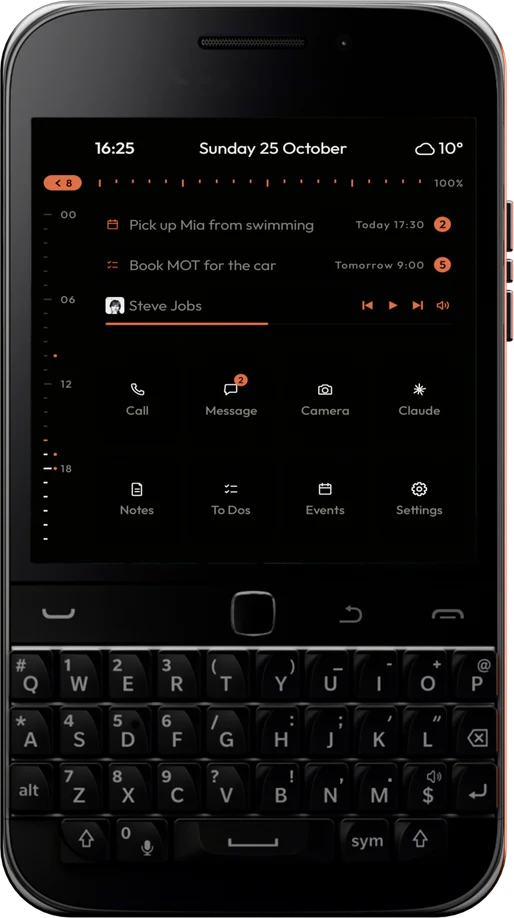
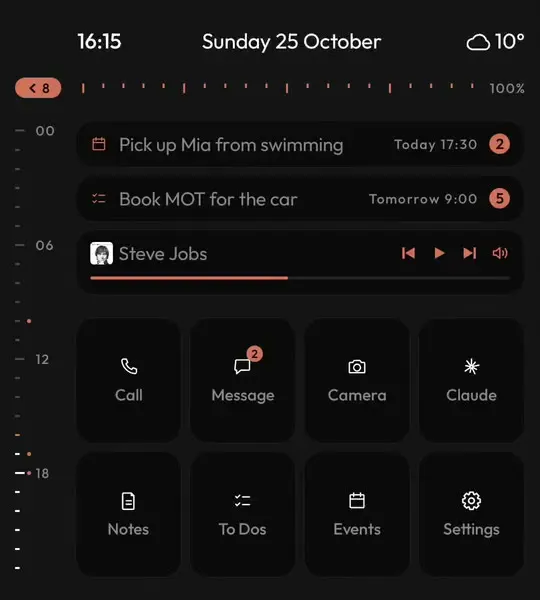
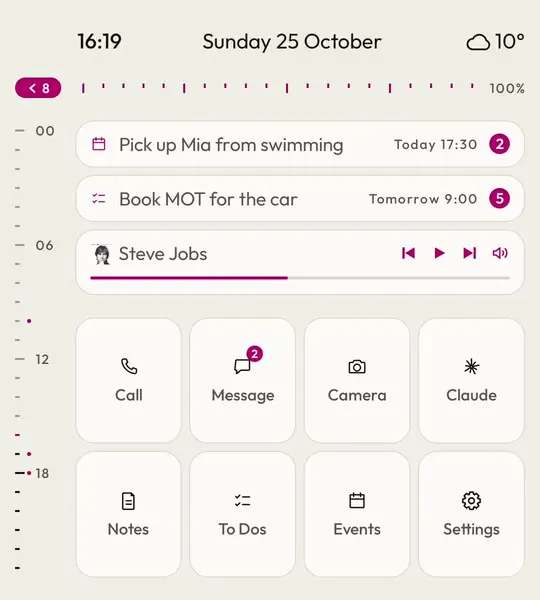
Most minimal launchers leave a clock and a list of names. This one keeps the few things worth a glance: the hour bar down the side, the next event and to-do with a count beside each, what is playing, and tiles for what you open every day.
Everything is grey text on dark with one accent colour, so nothing on the screen pulls at you.
Clock, date and weather beside the camera
Next event and next to-do
Hide any row you do not want
Or let the clock be the whole screen
Turn the clock up to 120 per cent and centre it, with the date and weather beneath, and home becomes a quiet clock face. It can take your accent colour or stay white.
Large and centred, or in the bar
Three date formats
Next alarm at a glance
Widgets, kept off the home screen
A minimal launcher should not mean giving up widgets. Here they live on a page of their own, one swipe across, so the weather, your music or your inbox are there when you go looking and nowhere else.
Any widget from any app
Resize by cells
Notes, to-dos and events built in
No red dots
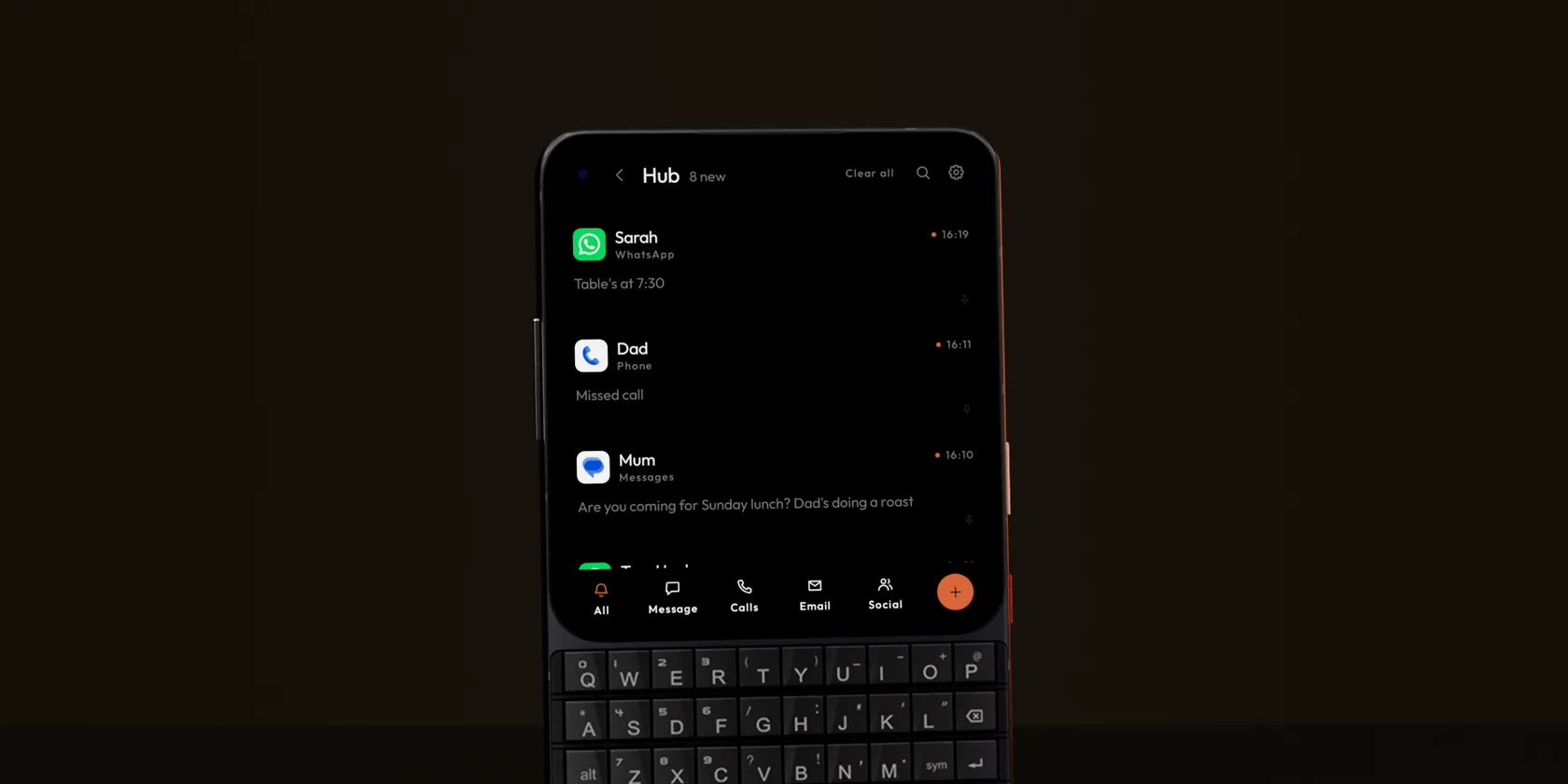
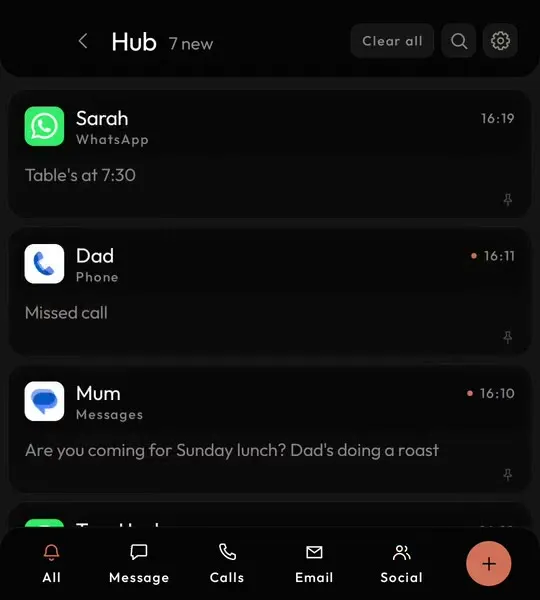
Badges are what pull you back to a phone. Here every notification waits in one Hub, a swipe from home.
Every notification in one quiet list
Home never shows a pile of badges. Messages, calls, email and everything else collect in the Hub, sorted into tabs, and you look when you choose to.
Chats open as conversations you can answer, and anything else opens on a clean page of its own.
Reply to chats without leaving
Snooze a card until later
A dot until you have read it
Email without the clutter
Each person's emails are one thread, with quotes and signatures folded away so you only read what is new. Replies go out through the mail app you already use, so there is no account to add.
One thread per person
Reply and Forward on a full page
Nothing to sign in to
Type instead of tap
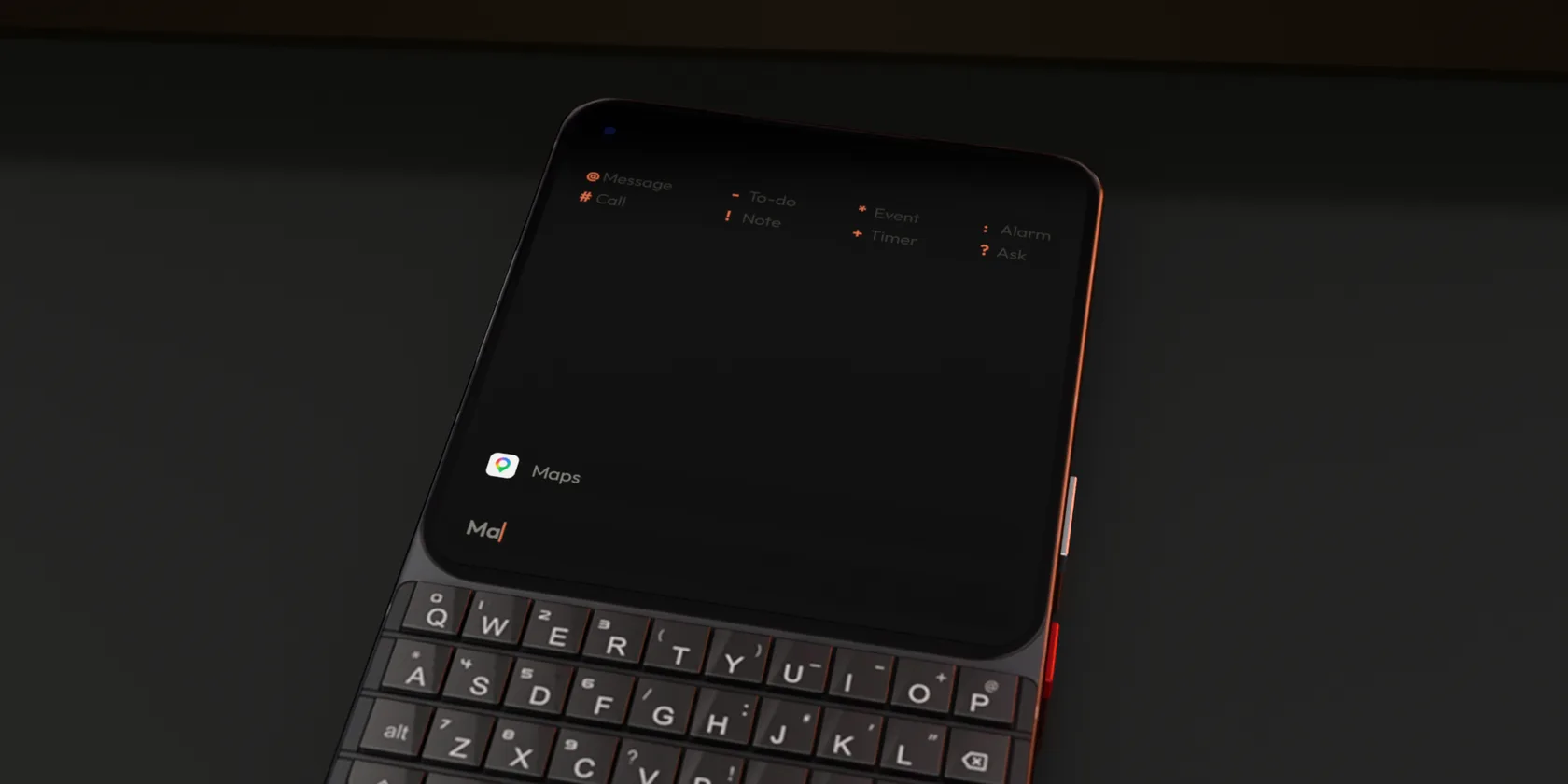
With no app grid, you get to things by typing. Two letters open an app; a name finds a person.
The grid is gone, nothing is lost
Taking icons away is the easy part of a minimal launcher. Getting to the app you need without them is the hard part. Here you type a few letters from home and the best match is first, apps and people in the same list.
On a touchscreen phone, tap the Tap to type bar and your own keyboard comes up.
Apps and people together
Matches the start of a word
Enter opens it
One line instead of five apps
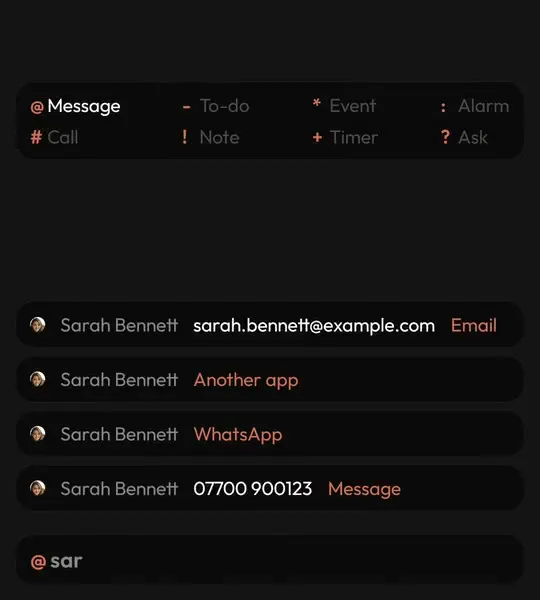
Put a symbol first and the line goes where it belongs: @ messages someone, * adds an event, - a to-do, ! a note. Fewer apps to open means less time on the phone.
Swipe up for every app as a plain list with a letter rail. No folders to sort and no pages of icons to scroll.
Letter headings
Rail on either side
Hold an app for its shortcuts
>_ Choosing one
Kinds of minimal launcher
Minimal launchers for Android tend to fall into three groups. Keyboard Launcher Pro is a fourth: as bare as a list, but you type instead of scroll.
The text launcher page goes further into typing, and the dumbphone launcher page into cutting distraction.
List launchers
Swap the grid for a plain list of app names. Calm, but you still scroll to find things.
Focus launchers
Add timers, greyscale and app limits to cut screen time. Strict, and some people want exactly that.
Icon launchers
Keep the grid but tidy it with matching icon packs and fewer rows. Familiar, still a grid.
Your day, built in
Calendar, to-dos and notes inside the launcher, so you need fewer apps on the phone.
A calendar that stays simple
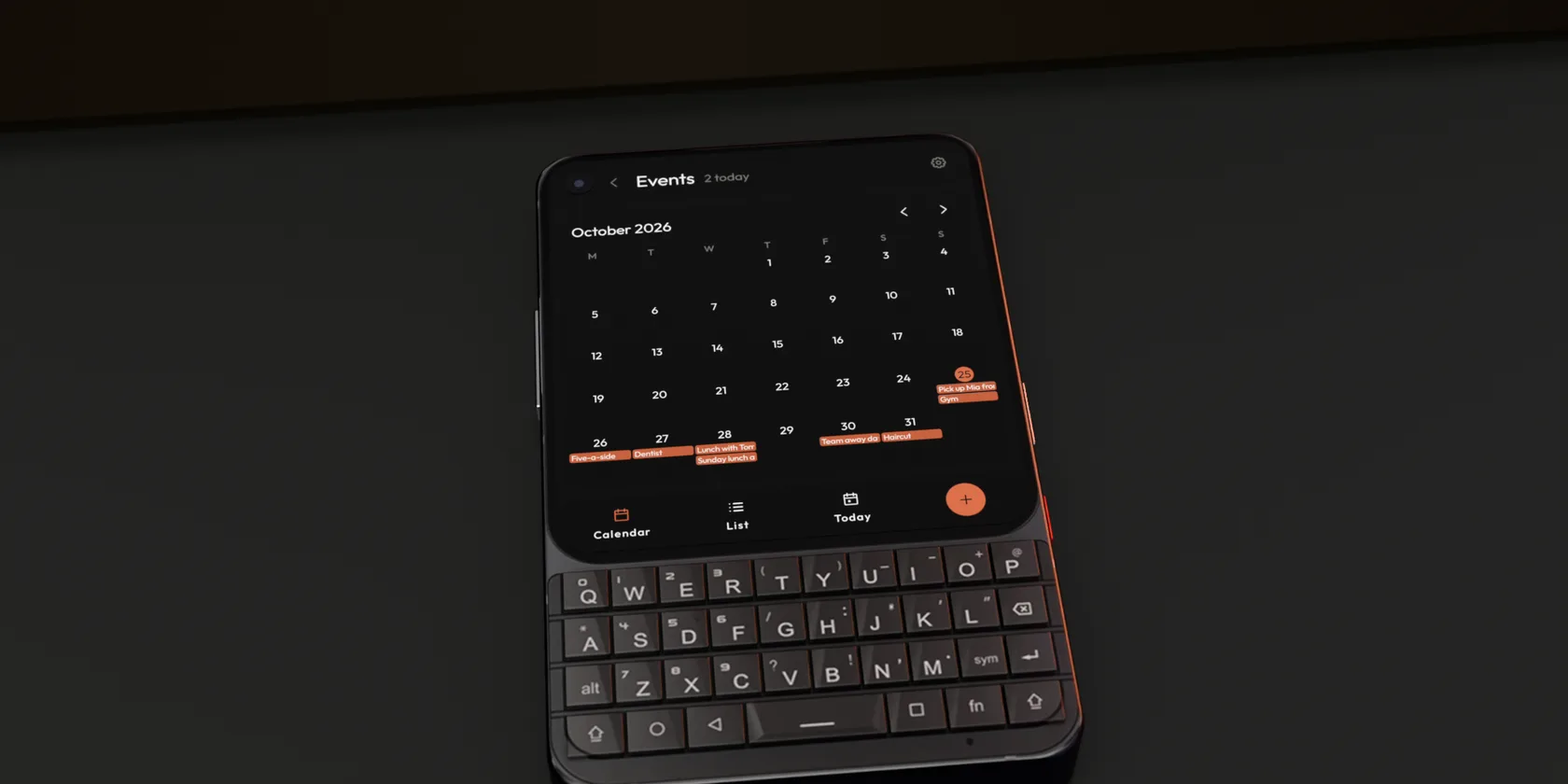
Events reads the calendars already on your phone and shows the month, a list or just today, in the same grey text as home.
Calendar, List and Today
Choose which calendars show
Type * on home to add one
A to-do list in plain text
Type - and a task on home and it is saved, with a due time if you add one. Tap to tick it off.
Due times in your accent
Soonest to-dos on home
Open, Done and All
Notes without another app
Type ! and a thought and it is a note. Personal, Work and Private, with checklists, and private notes locked to your fingerprint.
Checklists
Pin the ones you need
Encrypted private notes
Minimal, your way
Dark or light, one accent, one typeface. The whole launcher follows and nothing competes with it.
One accent, nine typefaces
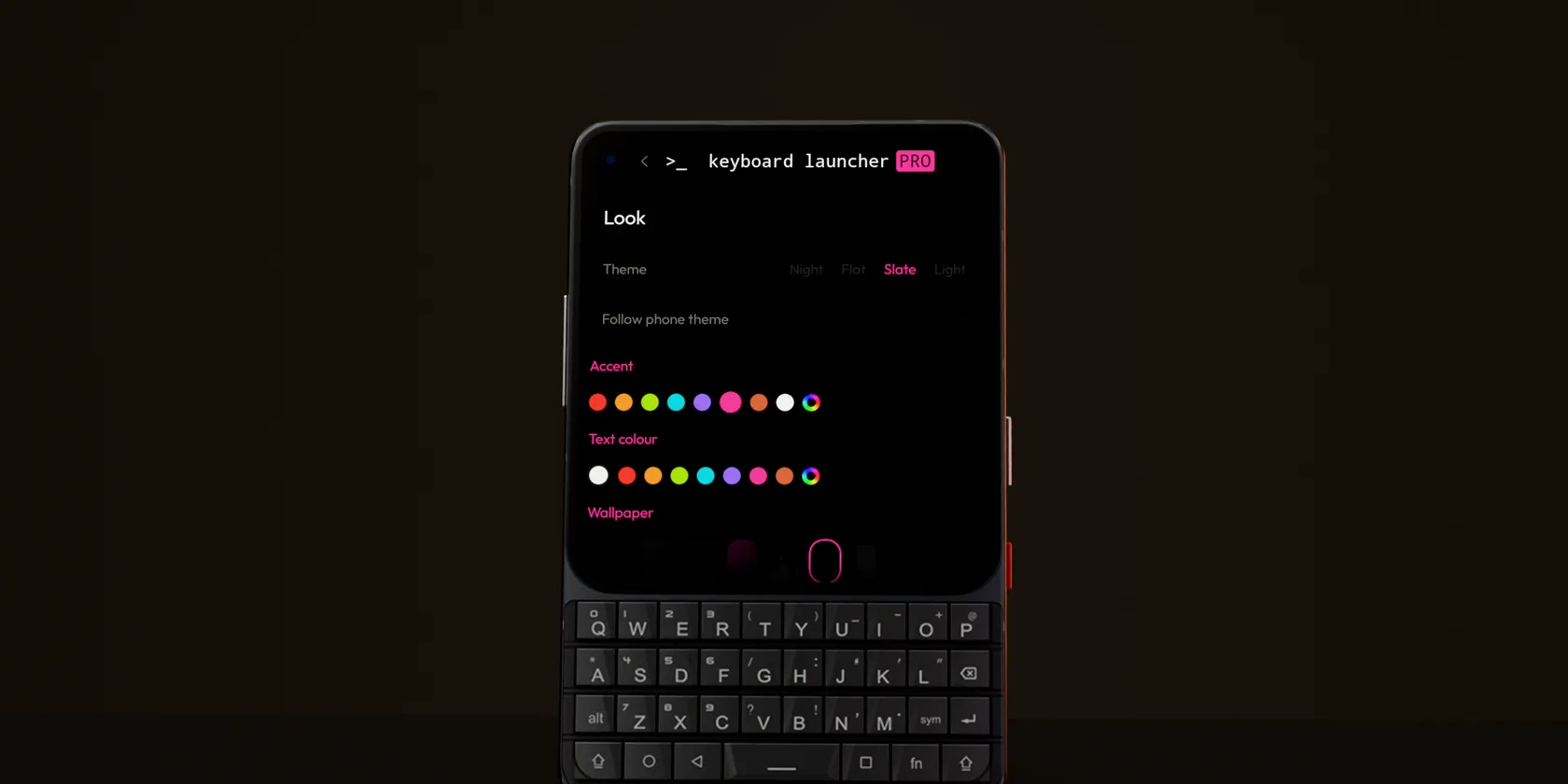
Choose a theme, an accent colour and a typeface, including a monospace one that makes the phone feel like a quiet terminal. Your own photo can go behind it, darkened so the text stays readable.
Four themes
Eight accents or your own
Follow phone theme
Tiles for the few things that matter
Instead of a screen of icons, a handful of tiles. Each can open an app, a shortcut, a chat or a website, with an icon you pick.
Eighty hand-drawn icons
A tile can open a folder
Twelve tiles on tall phones
>_ Set up
Minimal in five minutes
Changed your mind later? Pick your old launcher under Default apps in Android's settings and you are back where you started.
1. Make it home
Install from Google Play, press home and choose Keyboard Launcher Pro, then Always.
2. Pick a look
Dark or light, one accent colour and a typeface. Everything on the screen follows.
3. Allow what you like
Contacts, calendar and notifications are each optional. It works without any of them.
>_ Minimal on the inside
Nothing extra running
No sign in
No account of any kind, so nothing to forget or reset.
Stays on the phone
Contacts, calendar and messages are read on the device and never sent anywhere.
No ads
Nothing paying for it but you, so nothing in it asking for your attention.
One payment
Buy it once on Google Play. Updates arrive free for as long as it is made.
Light permissions
It never asks for your texts or call log. The Hub reads notifications instead.
Made by one person
A small app from illuminati Apps in the UK, shaped by what its users ask for.
The minimal Android launcher in pictures
No app grid, no clutterType instead of tapNo red dots on homeOne accent, your choice
Get the minimal Android launcher
Pay once on Google Play. No ads, no account, free updates.
Questions
What is a minimal Android launcher?
A launcher is the app that draws your home screen. A minimal one swaps the grid of icons and badges for something calmer, usually plain text, so the phone is less of a pull every time you pick it up.
Is Keyboard Launcher Pro a minimalist launcher?
Yes. There is no app grid and no wall of icons on home, just grey text with one accent colour. You open apps by typing or from an A to Z list.
Do I lose any apps with a minimal launcher?
No. Every app on your phone is still there. You reach them by typing a few letters, from the list, or from a tile you set up.
Does it work on a normal touchscreen phone?
Yes. It was built on keyboard phones like the Titan 2 Elite and works on ordinary touchscreen phones too, with a Tap to type bar and twelve tiles on tall screens.
Can I still use widgets?
Yes. Widgets sit on their own page one swipe from home, so home stays plain.
Will it stop me using my phone so much?
It removes the bright icons and badges that pull you in, which helps a lot of people. It does not block apps or set time limits; for that, use Android's Digital Wellbeing alongside it.
Is it free?
No, it is a one-off purchase on Google Play with free updates. There are no ads, which is part of what keeps it minimal.
How do I go back to my old launcher?
Open Android's settings, find Default apps, then Home app, and pick the launcher you had before. Nothing else changes.
 Join us on Discord