Two letters and you are there
Type from home and the best match is first, apps and people together. Enter opens it.
Most of what you do on a phone starts with knowing what you want. Keyboard Launcher Pro is a text launcher that skips the grid and lets you just type it, whether your phone has real keys or a touchscreen.
Finding an app in a grid means remembering where it lives. Typing two letters does not: ma is Maps, sp is Spotify, and the order stays the same every time because it matches the start of a name.
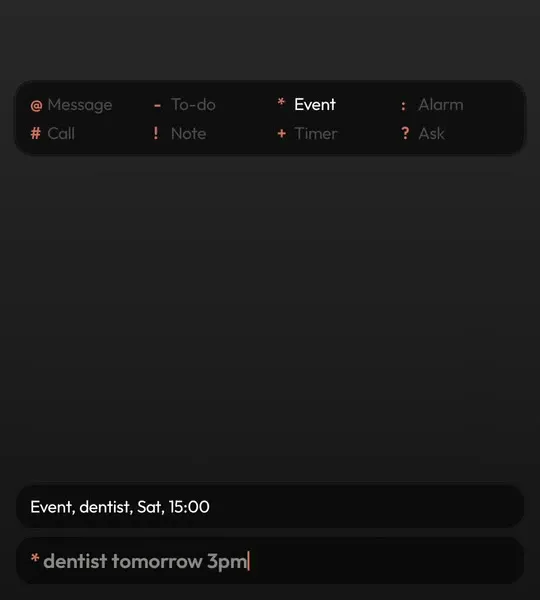
Keyboard Launcher Pro takes the idea further than a text launcher usually does. The same line that finds apps also finds people, and a symbol in front turns it into an action: a message, a call, an event, a to-do, a note, an alarm, a timer or a question for your assistant.
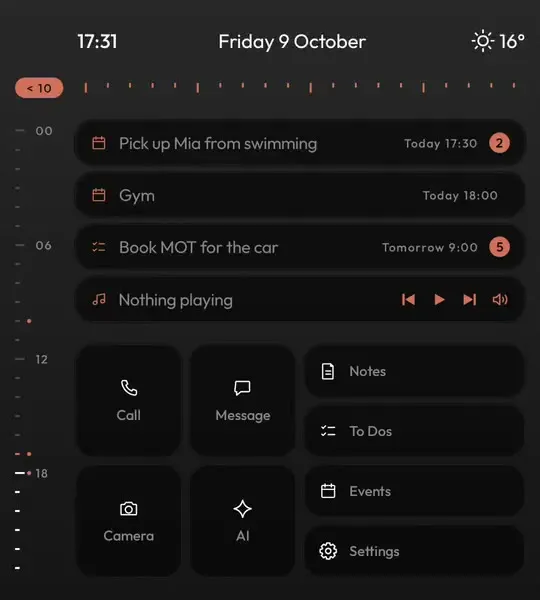
It is at its best on a keyboard phone, but it works on ordinary touchscreen phones too. On a tall screen you get twelve tiles on home, and tapping Start typing brings up your keyboard.
Typing is half of what makes it a minimal launcher; the other half is a home screen with nothing to tempt you.
| What you get | In Keyboard Launcher Pro | How |
|---|---|---|
| Search apps by typing | Yes | Matches the start of words, never the middle |
| Search people too | Yes | Contacts, with their photo, in the same list |
| Symbols that act | Yes | Eight of them, read in thirteen languages |
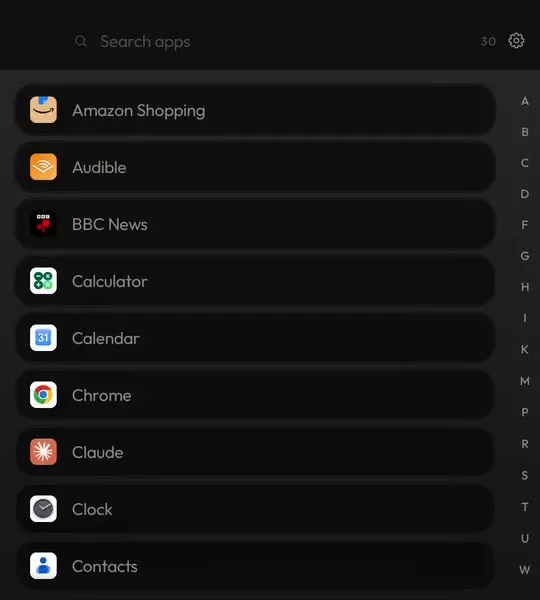
| App drawer | Yes | A to Z with a letter rail, one swipe up |
| Widgets | Yes | On their own page, one swipe right |
| Account or subscription | No | Pay once, nothing to sign in to |
Type from home and the best match is first, apps and people together. Enter opens it.
When you would rather look than type, swipe up for every app in order.
A dark, calm screen with one accent colour for what matters right now. Light mode and your own photo are there if you want them.
On Google Play. Pay once, free updates, no account.
Yes. Tap Start typing on home and your on-screen keyboard comes up. Tall phones get twelve tiles.
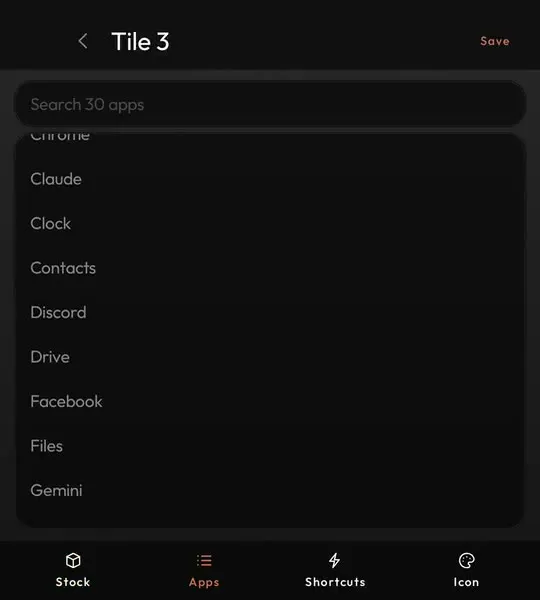
Yes, as tiles. Each one can open an app, a shortcut, a chat or a website, with an icon you choose.
Google Play does not offer trials for paid apps, but you can refund within Play's window if it is not for you.