Message by typing a name
@sarah running ten late picks Sarah, picks the app, and the words after her name are the message.
The Clicks Communicator puts a proper keyboard on a phone built for messaging. Keyboard Launcher Pro is a home screen made for exactly that kind of phone: you type, it acts.
The Communicator is a second phone for people who want less noise, and a minimal launcher suits it. There are no feeds or icon badges on home, just the people and plans you type for. The Communicator on Clicks' own site.
The Communicator is designed around conversations, and so is Keyboard Launcher Pro. Type @ and a name and you choose who to message and on which app, then the rest of the line is the message.
The Hub collects every message into one place, and a chat opens as a conversation you can answer straight away.
To be straight with you: the Communicator was not out when this page was written, so the launcher has not been tested on one yet. It is built for keyboard phones in general and it works on ordinary touchscreen phones too, so it should be at home there. If you try it, I would love to hear how it goes on the Discord.
@sarah running ten late picks Sarah, picks the app, and the words after her name are the message.
Messages, email and social sit in their own tabs in the Hub. Tap a chat to see it as a conversation and reply.
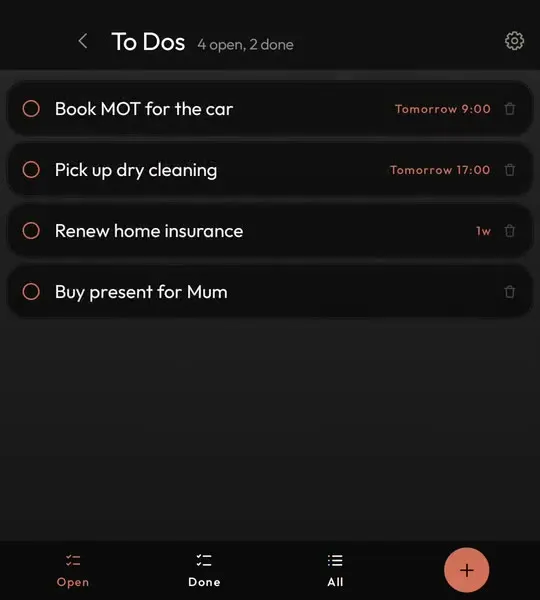
A - makes a to-do and a ! makes a note, so a thought mid conversation is saved in a second.
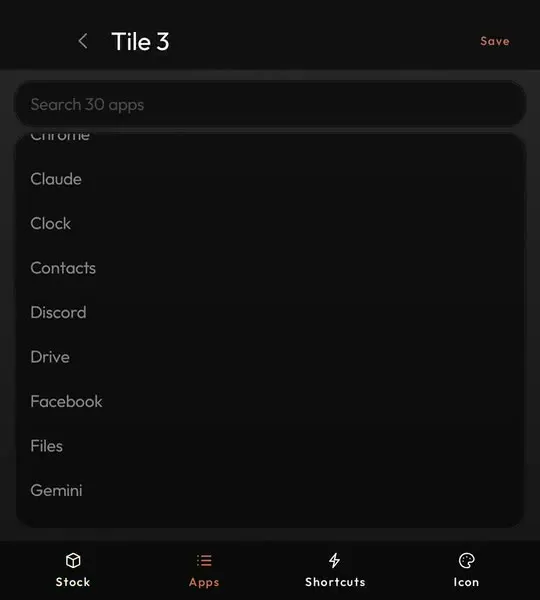
A home tile or a held letter can open a WhatsApp chat or any app shortcut, so the people you message most are one key away.
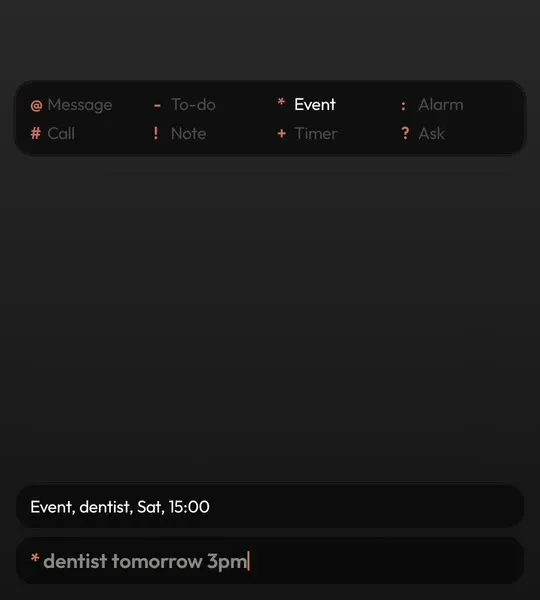
Each one sends a typed line somewhere different. The full list, with examples.
@sarah running ten late#mum*dentist fri 9am-buy milk tomorrow!ring the vet on tuesday:7am+45m?why is the sky blue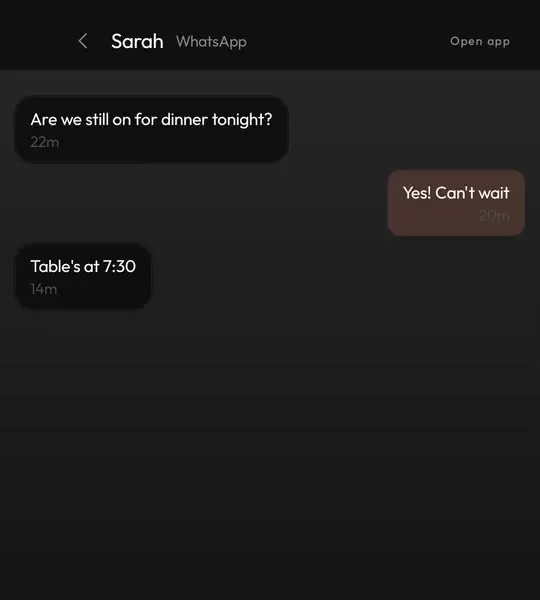

Ready on Google Play for when your Communicator arrives. Pay once, no account to make.
Not yet, because the phone was not out when this page was written. It is built and tested on the Unihertz Titan 2 Elite and works on ordinary Android phones too.
Yes. @ finds people through the messaging apps already on your phone, and you choose which one a message goes through.
Yes, from the Hub, for any app whose notifications offer a reply.
Yes, on Google Play. You pay once and updates are free.