Minimal, in your colours
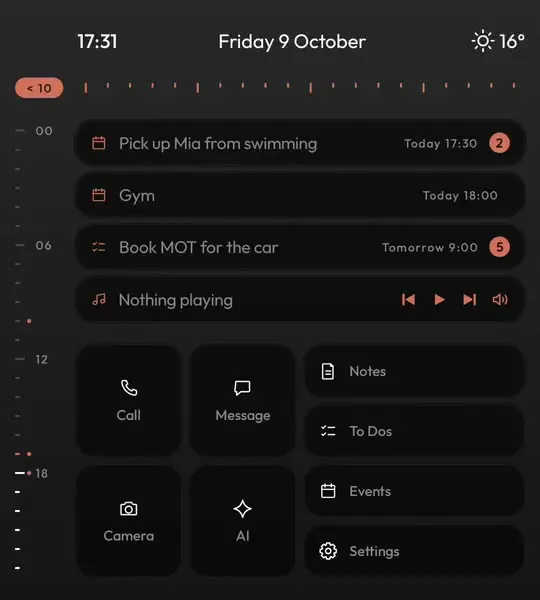
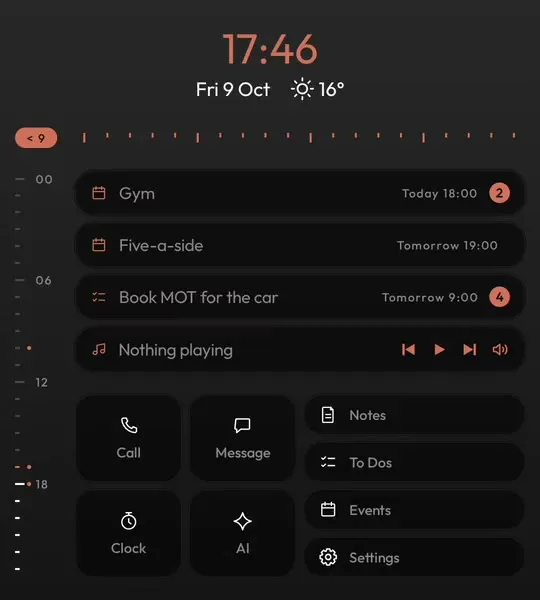
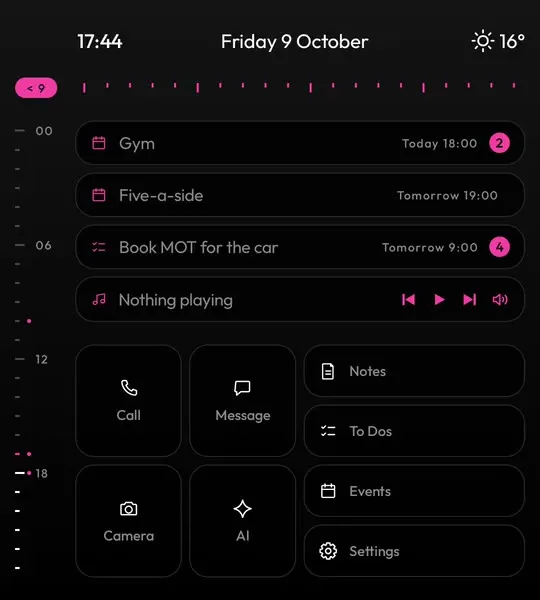
Pick dark or light, one accent from seven and a typeface from nine. The whole launcher follows, and nothing else on the screen competes with it.
Keyboard Launcher Pro is a minimalist launcher for Android. Home is a calm screen of grey text with one accent colour, no app grid and no wall of badges, and every app is still two letters away.

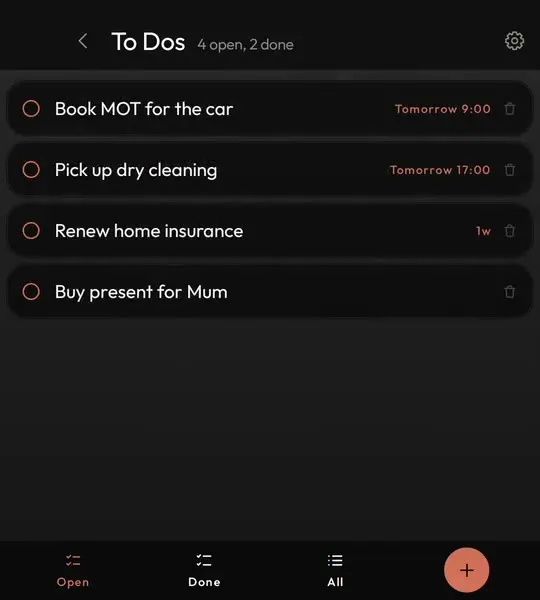
A minimal launcher is about what is not on the screen. No grid of bright icons asking to be opened, no feed, no row of red badges. Keyboard Launcher Pro shows the time, the date and weather, your next event, your next to-do and what is playing, in plain text, and that is it.
Where most minimalist launchers stop is where this one starts. Taking the icons away is easy; getting to the app you need without them is the hard part. Here you type: a couple of letters open an app, a name finds a person, and a symbol sends a line straight to your calendar, your to-do list or a chat.
It is dark by default with grey text, one accent colour you choose and nine typefaces, including a monospace one that gives the whole phone the feel of a quiet terminal.
If what you want is fewer distractions above all, the dumbphone launcher page explains how it helps, and the text launcher page shows how typing replaces the grid.
| What you get | In Keyboard Launcher Pro | How |
|---|---|---|
| App grid on home | No | Type a name instead, or swipe up for the A to Z drawer |
| Icons on home | No | Text rows, plus tiles you can point at anything |
| Colour | One | Grey text on dark, with a single accent you choose |
| Your day at a glance | Yes | Clock, weather, next event, next to-do, music |
| Ads, account or tracking | No | Pay once, nothing uploaded |
| Works on touchscreen phones | Yes | Twelve tiles on tall screens |
Pick dark or light, one accent from seven and a typeface from nine. The whole launcher follows, and nothing else on the screen competes with it.
Every app and every person is a few letters away. Home stays empty of icons, and nothing is ever more than a keystroke from your thumb.
Make the clock large and centred with the date and weather beneath it, and home becomes a calm clock face until you start typing.

A minimalist launcher you pay for once on Google Play. No ads, no account, free updates.
Yes. There is no app grid and no wall of icons on home, just grey text with one accent colour. You open apps by typing or from an A to Z drawer.
No. Every app on your phone is still there. You reach them by typing a few letters, from the drawer, or from a tile you set up.
No, it is a one-off purchase on Google Play with free updates. There are no ads, which is part of what keeps it minimal.
Yes. It is designed for keyboard phones like the Titan 2 Elite and works on ordinary touchscreen phones too, with twelve tiles on tall screens.